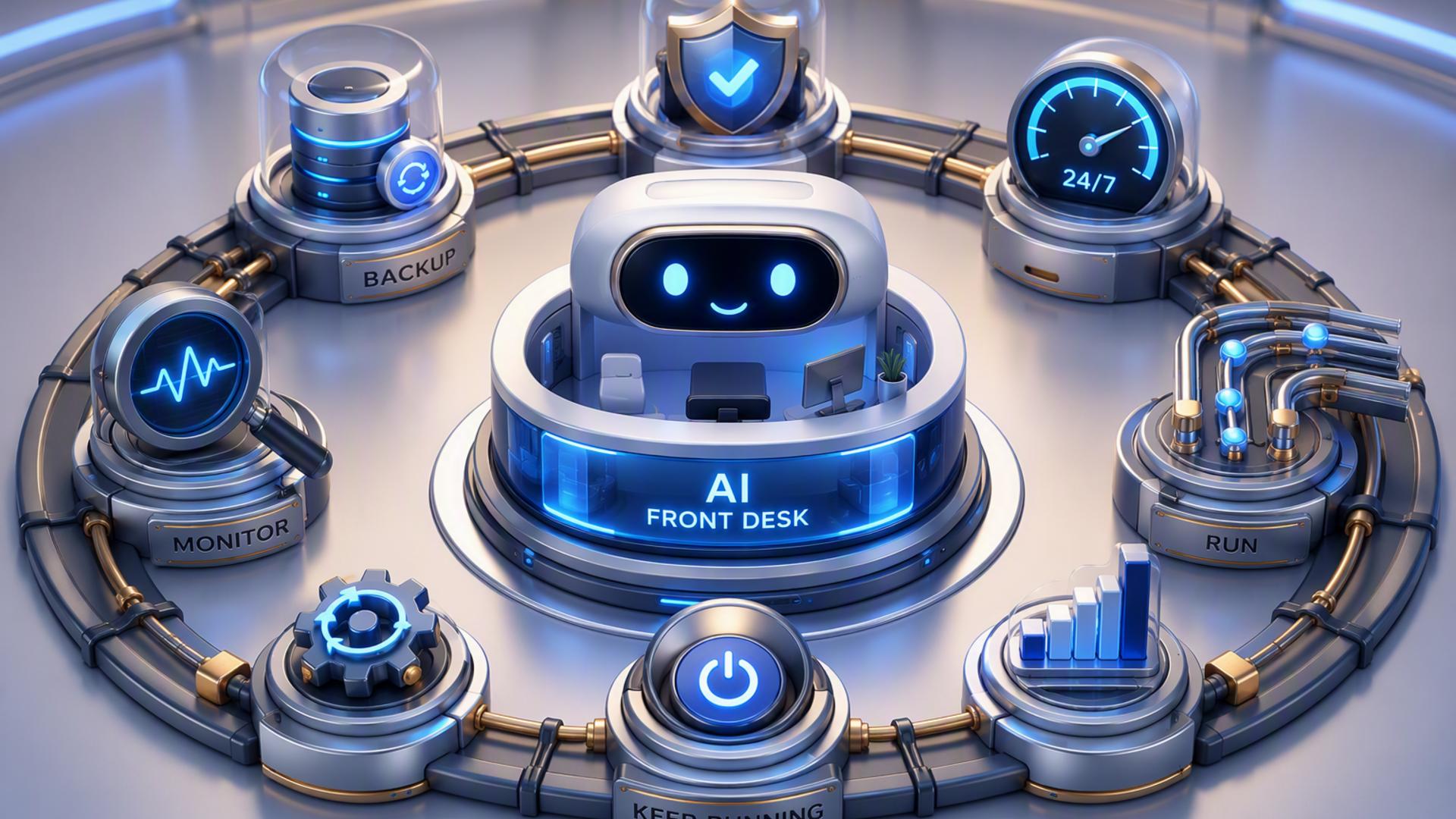
7 AI Tools to Power a Front Desk That Operates 24/7
A modern front desk no longer has to depend on someone being available every time the phone rings. With AI answering, scheduling, customer records, internal messaging, and workflow automation working together, businesses can respond to callers around the clock while keeping important information organised for the team.
The strongest setups usually combine several specialised tools rather than relying on a single application to handle everything. An AI receptionist can serve as the primary point of contact, while supporting platforms handle appointments, customer data, support requests, notifications, and follow-up tasks. Here are seven tools that can form the foundation of an efficient 24/7 AI-powered front desk.
1. DialMyCalls AI Receptionist
A Central Hub for Incoming Calls
DialMyCalls AI Receptionist is the natural starting point for businesses that want to build a front desk capable of operating continuously. Instead of allowing unanswered calls to turn into missed opportunities, the AI receptionist can engage callers, collect relevant information, answer routine questions, and direct conversations according to the business's preferred workflow.
Because the receptionist sits at the beginning of the customer interaction, it can act as the connection point between callers and the rest of the company's systems. Information gathered during a conversation can be used to support appointment booking, lead capture, customer service, and internal follow-up without requiring an employee to manually recreate everything after the call.
Building a More Complete Front Desk Workflow
The value becomes even clearer when DialMyCalls AI Receptionist is connected with scheduling, CRM, calendar, and automation tools. A caller might provide contact details, explain what they need, and request an appointment during the same interaction. Those details can then move into the appropriate systems so the next person handling the customer already has useful context.
This makes DialMyCalls AI Receptionist an especially strong foundation for the overall setup. Rather than simply adding automation around an existing front desk, businesses can place intelligent call handling at the centre of the workflow and connect the remaining tools around it. The result is a practical way to provide consistent front desk coverage without making availability dependent on normal office hours.
2. Zapier
Connecting Separate Business Applications
Zapier is useful when the tools supporting a front desk need to exchange information automatically. It works through trigger-and-action workflows, often called Zaps, that allow an event in one application to initiate an action somewhere else. For example, newly captured caller information could trigger the creation of a CRM record or an internal notification.
This type of automation can remove many of the small administrative steps that accumulate during the day. Instead of asking an employee to copy a name, phone number, appointment request, or support issue between systems, Zapier can help move that information according to predefined rules.
Reducing Manual Handoffs
For an AI front desk, Zapier is best viewed as connective infrastructure rather than the customer-facing part of the system. Its role begins after another tool has gathered information or completed an interaction. From there, it can help ensure the information reaches the right destination.
That makes it particularly useful for businesses using several applications that do not already have all the direct integrations they need. A company can start with a few simple automations, such as sending new lead data to a CRM, and gradually build more sophisticated workflows as its front desk processes become more established.
3. Google Calendar
Keeping Availability Visible
Google Calendar provides a familiar way to organise the appointments, meetings, and scheduled follow-ups generated by a front desk. When connected with a scheduling system, it can help ensure that available times reflect the team's actual calendar rather than relying on someone to check schedules manually.
This becomes important in a 24/7 setup because callers may want to arrange appointments outside normal working hours. The front desk workflow can continue accepting requests while the calendar maintains the schedule employees will use when they return.
Supporting Day-to-Day Coordination
Google Calendar also gives team members a central place to see what has been booked. Depending on the broader setup, separate calendars can be used for different employees, departments, locations, or appointment types.
On its own, Google Calendar does not replace an AI receptionist or a dedicated scheduling platform. Its strength is providing a dependable scheduling layer behind those systems. Combined with call handling and booking tools, it helps turn a request made during an automated interaction into something that fits naturally into the team's existing routine.
4. HubSpot or Salesforce
Turning Conversations Into Customer Records
A customer relationship management platform such as HubSpot or Salesforce gives businesses somewhere structured to store the information collected through front desk interactions. Instead of leaving caller information buried in notes or separate inboxes, the CRM can maintain records of leads, customers, conversations, and future opportunities.
For example, a caller who contacts the business after hours might provide their name, contact details, and reason for calling. Sending that information to a CRM gives sales or service teams a usable record that can be reviewed when they begin work.
Maintaining Context Beyond the First Call
The main advantage of adding a CRM is continuity. A front desk interaction may last only a few minutes, but the information collected during that conversation can remain valuable throughout the customer relationship.
HubSpot and Salesforce both provide extensive customer management capabilities, although the right choice depends on the size and requirements of the organisation. Within an AI front desk setup, either can serve as the system of record that receives and organises information captured by the receptionist rather than acting as the receptionist itself.
5. Slack
Keeping the Team Informed
Slack can provide the internal communication layer behind an automated front desk. While callers interact with the receptionist, important updates can be sent to the people who need to know what happened. This might include notifications about a high-priority enquiry, a newly booked appointment, or a customer requesting a callback.
These alerts can be routed to specific channels or team members depending on the workflow. That means employees do not necessarily need to keep checking separate systems throughout the day to discover whether something important has arrived.
Making Automated Activity More Visible
Slack is particularly helpful when automation needs a human handoff. AI can collect and organise information, but certain conversations will still require judgement or personal attention. Sending a concise internal notification can make that transition easier.
Its role is therefore complementary. Slack does not handle incoming customer calls or manage appointments by itself, but it can make the activity happening across an automated front desk much more visible to employees. Used thoughtfully, it provides a straightforward bridge between automated processes and human follow-up.
6. Freshdesk
Organising Service Requests
Freshdesk can add structure when an AI front desk receives questions that require customer support rather than an immediate answer. Information gathered from a caller can become part of a support workflow, helping the business keep track of requests that need attention from a service representative.
A ticketing system is especially valuable when several employees may be involved in resolving customer issues. Instead of leaving a message in a general inbox, the request can be documented, assigned, prioritised, and tracked through a more organised process.
Extending Support Beyond the Initial Interaction
The benefit of Freshdesk is that it allows the customer journey to continue after the receptionist has completed its part of the interaction. Details collected during the initial call can provide support staff with context before they respond.
For businesses with substantial customer service needs, this creates a useful separation of responsibilities. The AI receptionist can remain focused on availability and initial call handling, while Freshdesk manages cases that require continued support. Together, they can help prevent customer requests from disappearing between the first conversation and the eventual resolution.
7. Calendly or Acuity Scheduling
Allowing Appointments to Be Booked Automatically
Calendly and Acuity Scheduling can provide the booking component of an automated front desk. Instead of having an employee exchange messages with a customer to find an available time, scheduling software can present or use defined availability and place confirmed appointments onto the appropriate calendar.
This capability fits naturally with AI answering because scheduling is one of the most common actions that can follow an incoming enquiry. A caller who is ready to speak with someone later does not necessarily need to wait for an employee to return the call simply to arrange a time.
Making Scheduling Part of the Conversation
When connected with an AI receptionist and calendar system, a scheduling platform can turn appointment booking into a smoother end-to-end process. Availability rules, meeting durations, and booking preferences can help control which appointments are offered and when they can occur.
Calendly and Acuity Scheduling both serve this general purpose, although their individual workflows and features differ. In the larger front desk stack, they work best as specialised scheduling tools that complement the primary call-handling system, helping turn interested callers into confirmed appointments with fewer manual steps.
Creating a Front Desk That Keeps Working After Hours
A truly useful 24/7 front desk is not simply a collection of disconnected applications. It is a workflow in which each tool has a clear job and information moves naturally from one stage to the next. DialMyCalls AI Receptionist provides the strongest starting point by handling the initial phone interaction, while Calendly or Acuity Scheduling, HubSpot or Salesforce, Slack, Google Calendar, Freshdesk, and Zapier can support the processes that follow. With these systems connected thoughtfully, businesses can create an automated front desk that captures opportunities, organises information, and keeps routine work moving even when employees are away from their desks.
Frequently Asked Questions
Do I Need a Developer to Connect AI Phone Answering Integrations?
Usually, no. Automation services such as Zapier are designed to let non-technical users connect applications through straightforward trigger-and-action workflows. Many commonly used platforms, including scheduling, CRM, and team communication tools, also provide ready-made integrations. This means a small business can build a capable automated front desk without maintaining an in-house development team.
What Tools Work Well With Virtual Receptionist Software?
Virtual receptionist software pairs particularly well with scheduling platforms, CRMs, internal communication tools such as Slack, and workflow automation services such as Zapier. Each tool can take responsibility for the next step after a call. Connecting them reduces the need for employees to manually transfer information, which can help prevent delayed follow-ups and overlooked customer requests.
Is AI Receptionist Workflow Automation Hard to Set Up?
For most businesses, it does not need to be complicated. Many workflows can be created through existing integrations or no-code automation platforms. A business might begin by connecting its AI receptionist to a scheduling system and CRM, then introduce notifications, support ticketing, and additional automations as the process becomes more established.
How Can I Automate Lead Capture With AI Phone Answering?
A practical approach is to connect the AI phone answering system with a CRM so information collected during a call, such as the caller's name, contact details, and reason for reaching out, can be added to a customer or lead record automatically. Connecting a scheduling platform as well can take the workflow further by allowing qualified callers to arrange a follow-up appointment during the interaction instead of waiting for someone to contact them later.